
How to use the Expense Dashboard
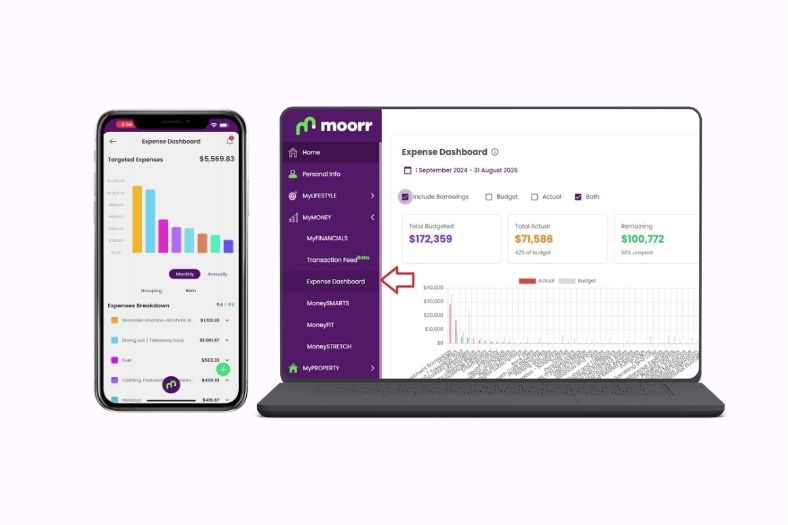
The Expense Dashboard is now rolled out to web as well! Along with a few other cool updates. Learn more here.
Introducing Your Tailored Opti Monthly Briefing, Delivered to Your Inbox

Introducing the Opti Monthly Briefing, a personalised Moorr email designed just for you.
New in Moorr: Eligible for Negative Gearing Field

Moorr now captures negative gearing eligibility on property cards — helping power smarter modelling, calculators and future Property Tax Reports.
Manage Your Money Together: Secondary User Access is Here

Two people. Two logins. One shared financial picture. Secondary User Access is now available in Moorr.
Investment Property Deductions: Generate your Property Tax Report
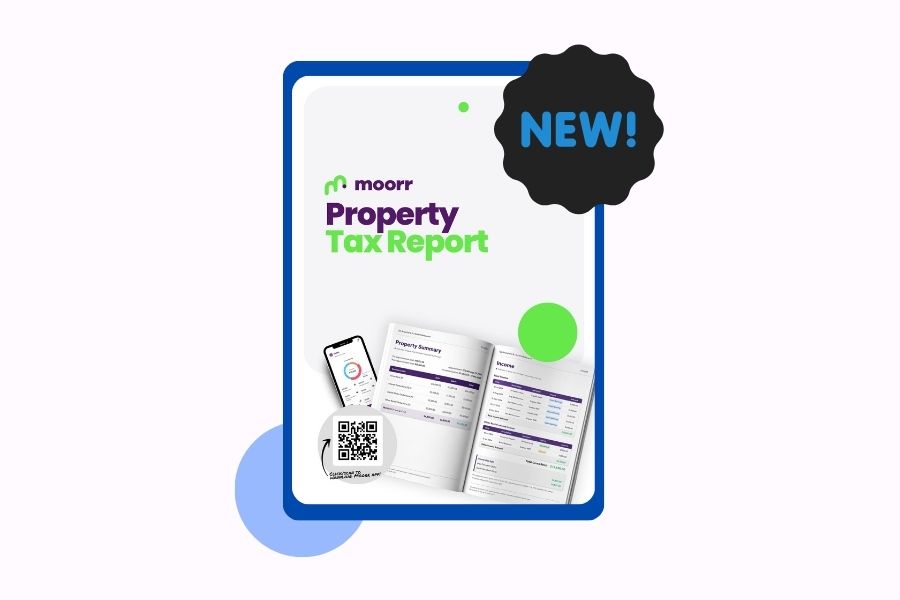
Investment property deductions, organised. Generate your Property Tax Report for your Accountants today.
Document Upload within Cards: Financial Document Storage Made Easier with Moorr
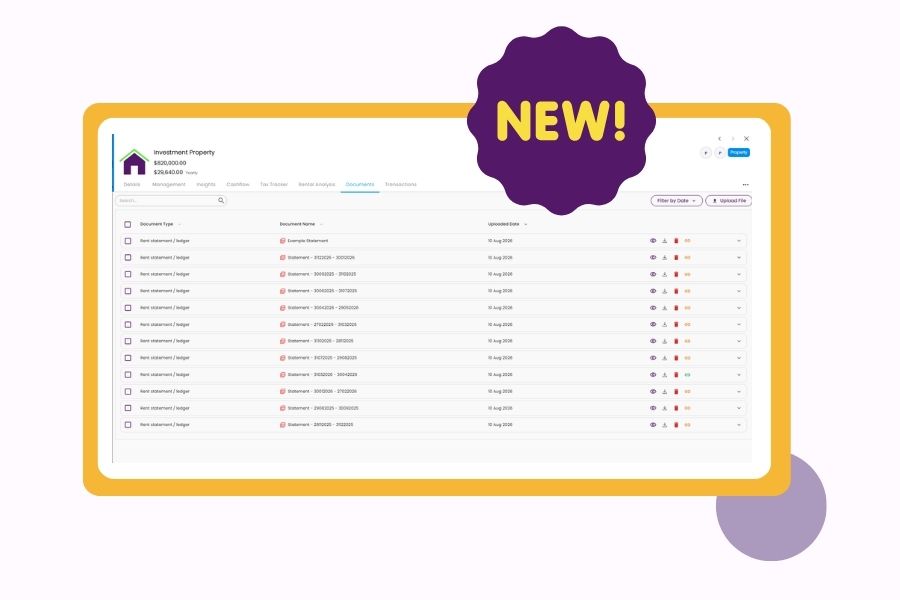
Your financial paperwork finally has a home. Upload documents directly to the relevant card in Moorr and keep everything organised.
Investment Property Transactions: The Full Picture of Your Rental Income and Expenses
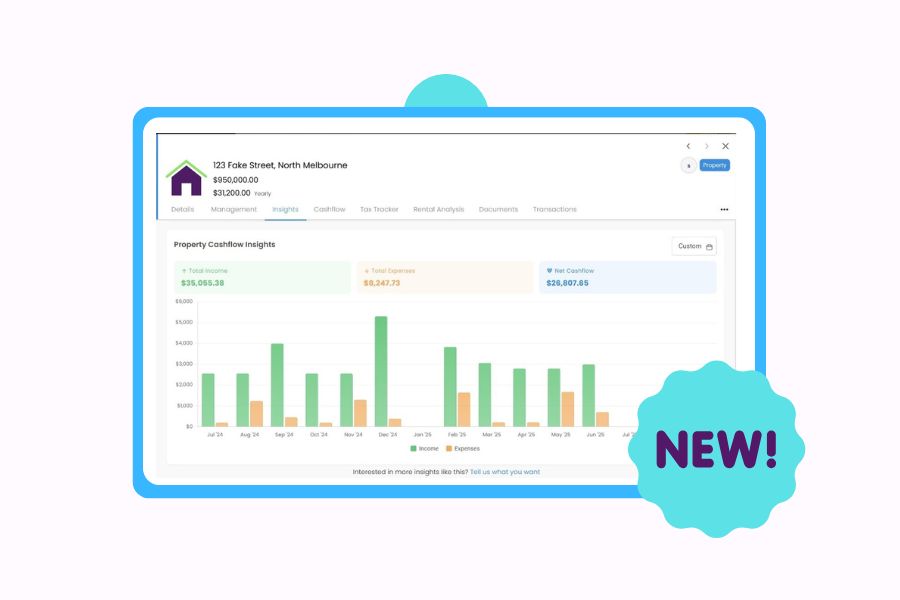
Discover how Property Transactions unlocks the full story behind your investment property’s income, expenses and cash flow.
New in Moorr: Capital Growth Break-Even Calculator
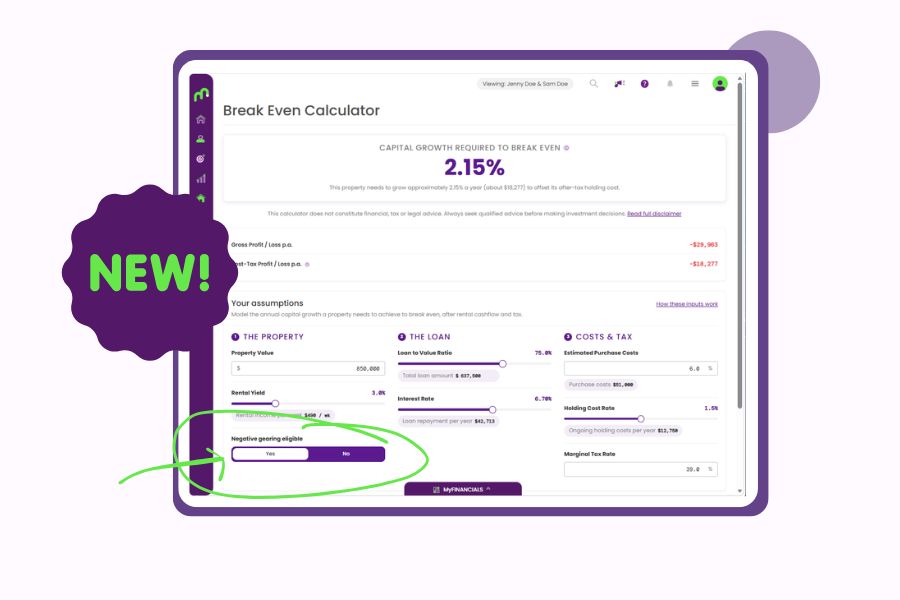
Model the growth needed to offset your holding costs.
What does ‘Preview’ mean in Moorr?
Spotted a Preview badge in Moorr? Here’s what it means, what could change, and why your feedback matters while we shape what comes next.