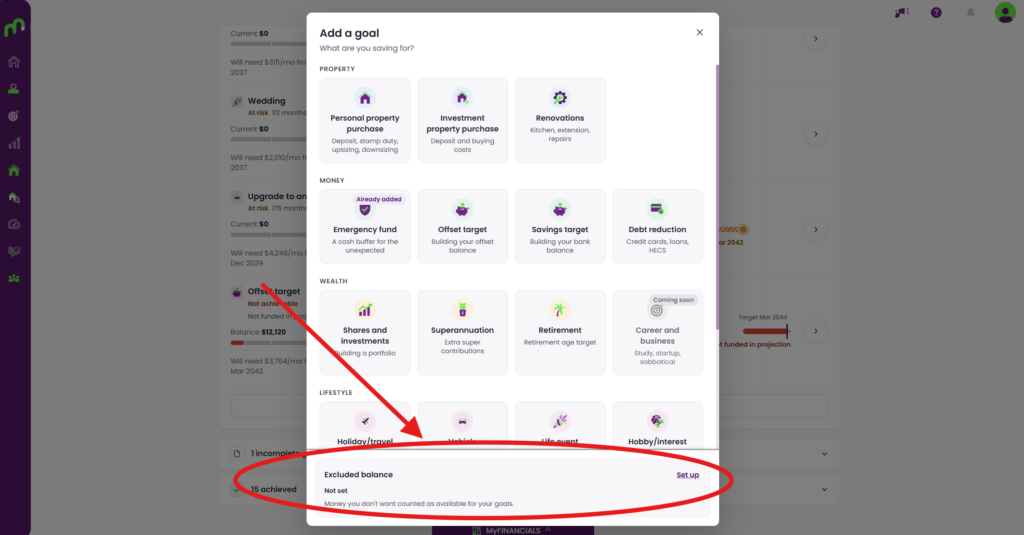
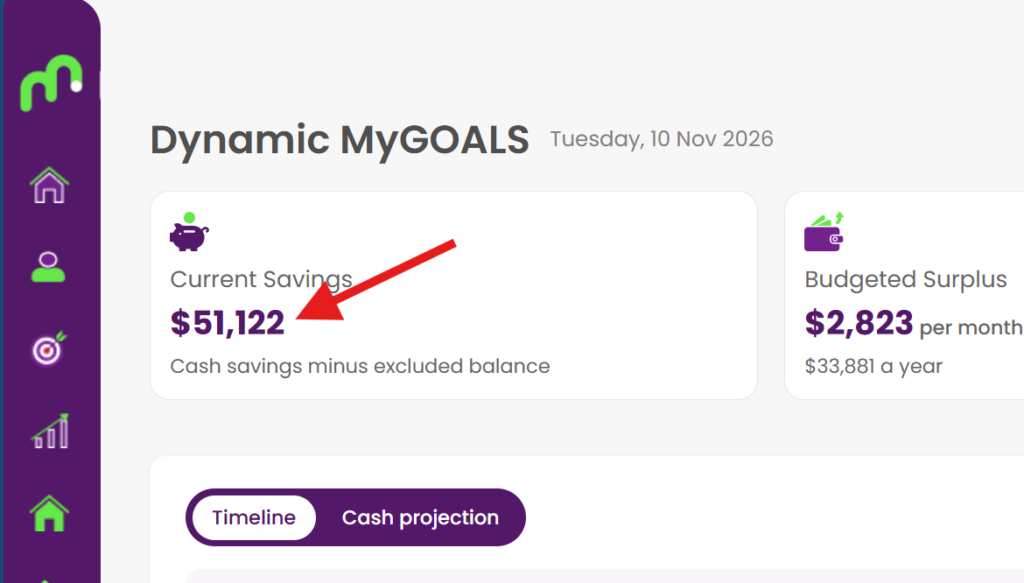

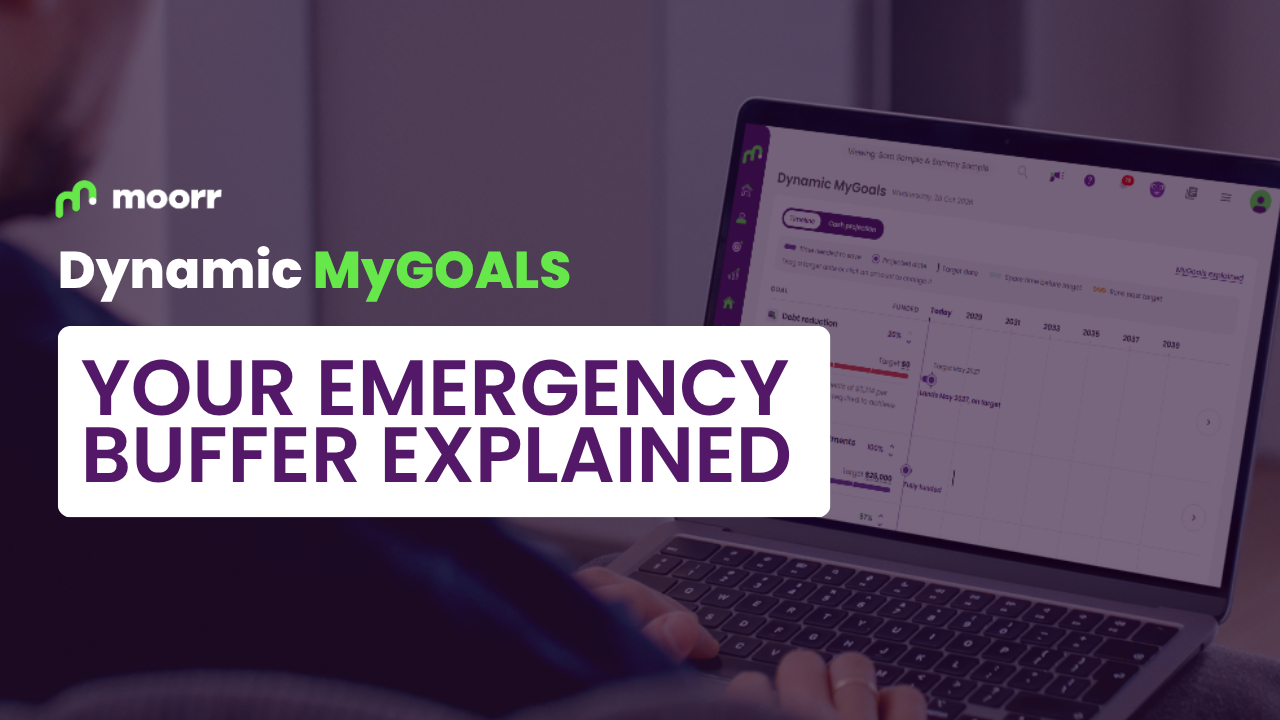
The Expense Dashboard is now rolled out to web as well! Along with a few other cool updates. Learn more here.
The Expense Dashboard is now rolled out to web as well! Along with a few other cool updates. Learn more here.
The Expense Dashboard is now rolled out to web as well! Along with a few other cool updates. Learn more here.
So much to realise & gain,
nothing to lose.
Onboard with your hopes,
dreams & finances.

Start planning & living your
Lifestyle-by-Design.
So much to realise & gain,
nothing to lose.
Onboard with your hopes,
dreams & finances.

Start planning & living your
Lifestyle-by-Design.



So much to realise & gain,
nothing to lose.
Onboard with your hopes,
dreams & finances.
Start planning & living your
Lifestyle-by-Design.
So much to realise & gain,
nothing to lose.
Onboard with your hopes,
dreams & finances.
Start planning & living your
Lifestyle-by-Design.