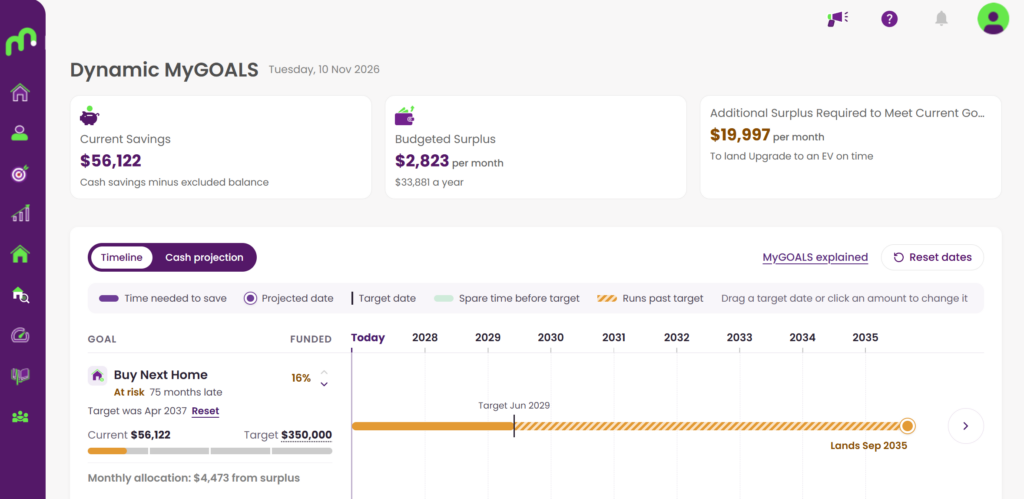
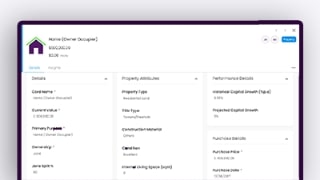
Saving for property can be one of the largest financial goals you’ll ever work towards.
Setting property goals helps you understand how much cash you’ll need for deposits and purchasing costs, while tracking your progress towards future property-related objectives.
Whether you’re planning your first home, your next home, an investment property or a renovation, setting property goals within MyGOALS provides a practical framework to help you move forward with confidence.
What You’ll Learn
- Types of Property Goals
- Understanding deposits and purchase costs
- Using the property savings calculator
- Tracking progress towards a property purchase
- Understanding projected achievement dates
Why This Feature Matters
Large property goals can often feel overwhelming.
Breaking them down into a clear savings target helps create visibility around what’s required and allows you to make more informed decisions about future purchases.
Quick Guide: Creating a Property Goal
Step 1: Select Property Goal
Create a goal, and from the “Property” category select either:
- Personal Property
- Investment Property
- Renovation
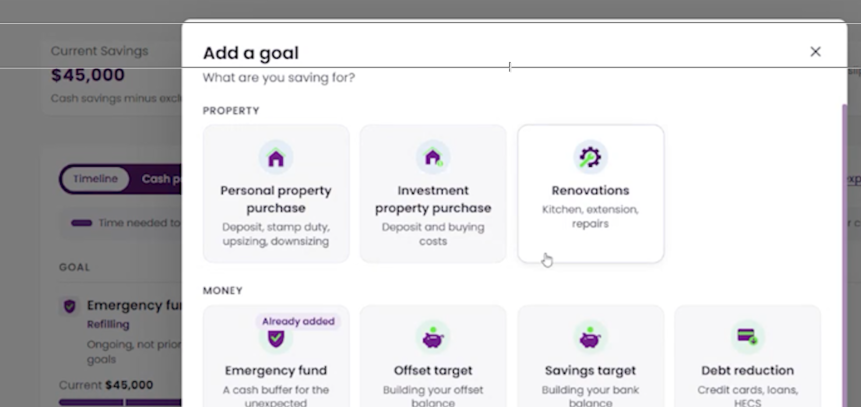
Step 2: Enter the details
Fill in the details of the property including target date, and amount.
Dynamic MyGOALS can help you estimate these details with the tool in the bottom half of this window.
Step 3: Create Goal
Fill in the details of the property including target date, and amount.
Dynamic MyGOALS can help you estimate these details with the tool in the bottom half of this window.
Step 4: Review
You can now see the property purchase goal in your timeline. If any adjustments are required to dates, pricing, or even naming, you can edit these details at any time.